Excel Shortcut to Print Preview

print preview

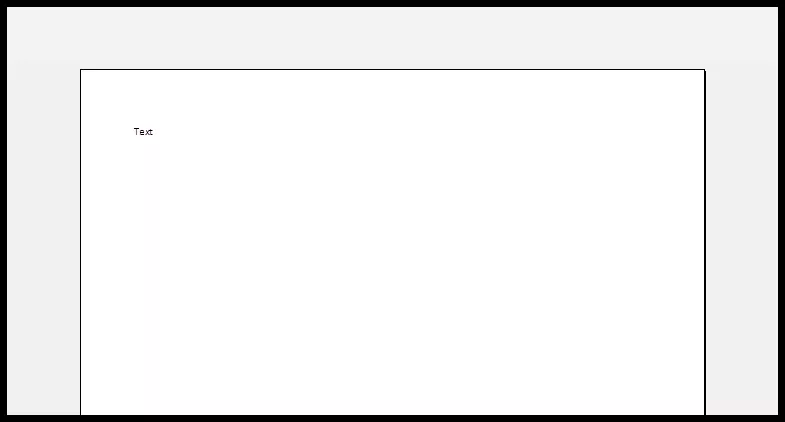
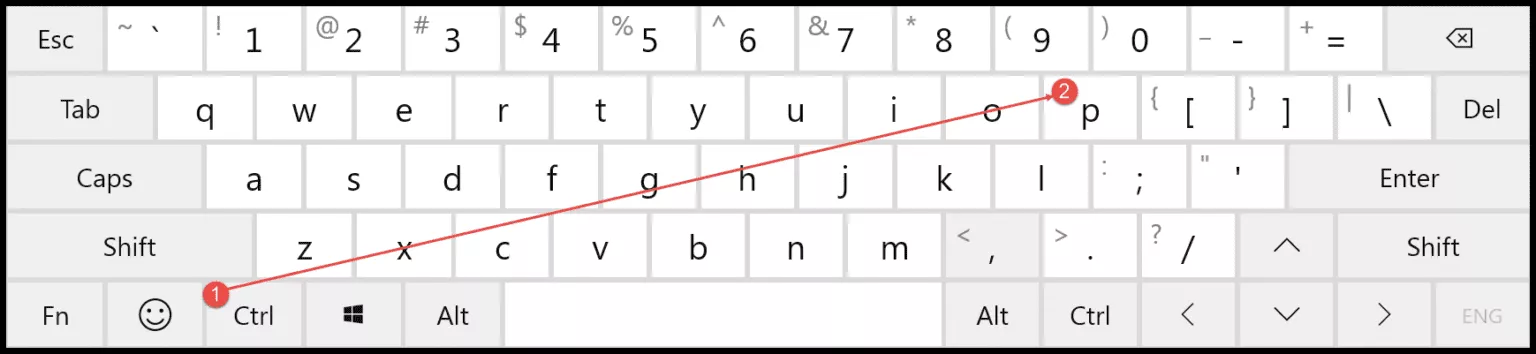
To get the print preview in excel of your work, you can use the keyboard shortcut Control + P. When you press this keyboard shortcut (this is the same key which we use to print) it also shows you the print section of the page and on the right side, you can see the print preview.
Ctrl+P
print preview shortcuts

There’s one more keyboard shortcut that you can use to the print preview in Excel and that’s A F P. This shortcut key opens the file tab and then open the print option to show you the print preview section.
Free Excel Templates

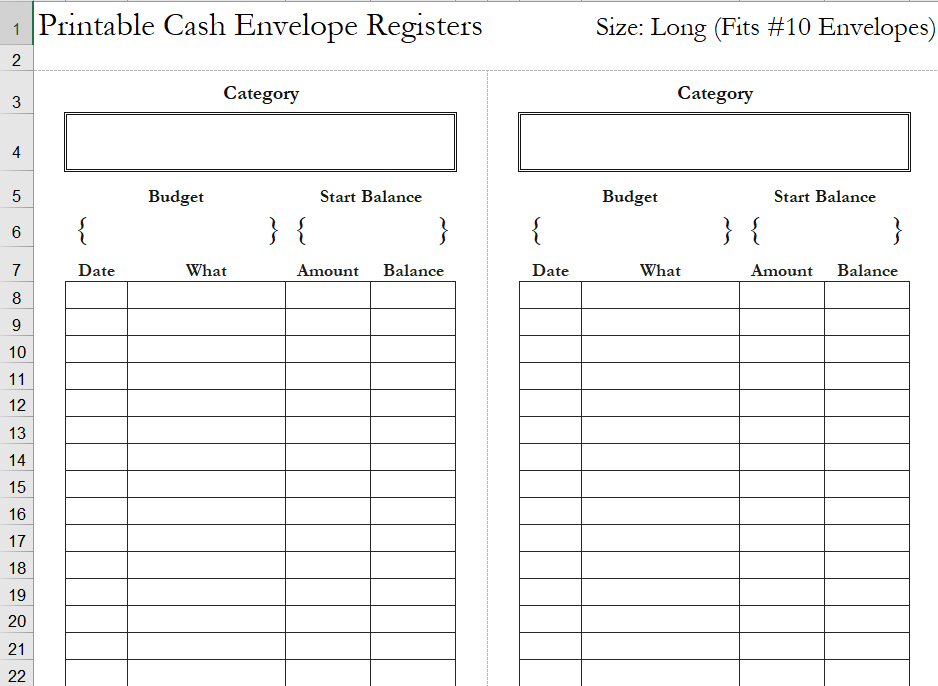
Cash-envelope-register

Cash Envelopes

If you use credit cards for shopping, travelling, and for …

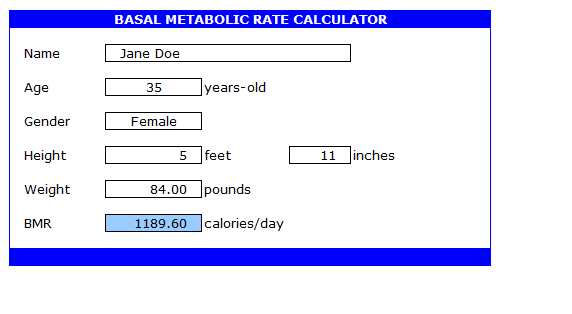
bmr calculator

Simple BMR Calculator

Basal Metallic Rate Calculator Basal metabolic rate or Simple BMR …

EXCEL FORMAT FOR MAINTAINING SUPPLIER LIST

Supplier List

A supplier list is a valuable tool for any business. …

Health and Safety Report in Excel format

Health and Safety Report

The Imperative of Health and Safety Reporting: Unveiling Our Comprehensive, …

We Create Your Life Easy With Our Free Excel Templates & Spreadsheet Dashboards

Use free Excel Templates, Tools and Dashboards to create and draft a professional looking dashboards and computation sheet for your personal and business use. You can Explore Calendars, Activity Planners, Invoice Templates, Sales Forecast Sheets, Budget templates and various business information delivering Templates in Excel and Spreadsheet at XLSX Templates. 

These templates, dashboards and tools are useful in various occasions. You can also customize these templates as per your requirement. Modification of fields and data source helps in making the template more relevant.

Learn Microsoft Excel : Blogs and Articles

Learn about various tips and tricks in Microsoft Excel and Spreadsheet. Create best templates and dashboards using free tricks and tutorials in excel and spreadsheet. These tutorial posts are useful for everyone who wants to master the skills in excel and spreadsheet.